First Boot
Introduction
Section titled “Introduction”This chapter performs the first controlled power-on test before Windows installation.
Purpose
Section titled “Purpose”Confirm that the system powers on, reaches BIOS, detects CPU, memory, SSD, fans, pump, and GPU, and shows no obvious assembly fault.
Estimated Time
Section titled “Estimated Time”20-45 minutes.
Difficulty
Section titled “Difficulty”Moderate.
Required Tools
Section titled “Required Tools”- Monitor connected to the graphics card.
- Keyboard.
- Power cable.
- Windows 11 Pro USB installer.
- Flashlight.
Warnings
Section titled “Warnings”- Do not close the case panels before the first successful boot.
- Do not enable EXPO during the first power-on attempt.
- First DDR5 memory training can take several minutes.
- If you smell burning or see smoke, switch off the PSU immediately.
- Plug the display cable into the GPU, not the motherboard rear I/O.
Step-by-Step Instructions
Section titled “Step-by-Step Instructions”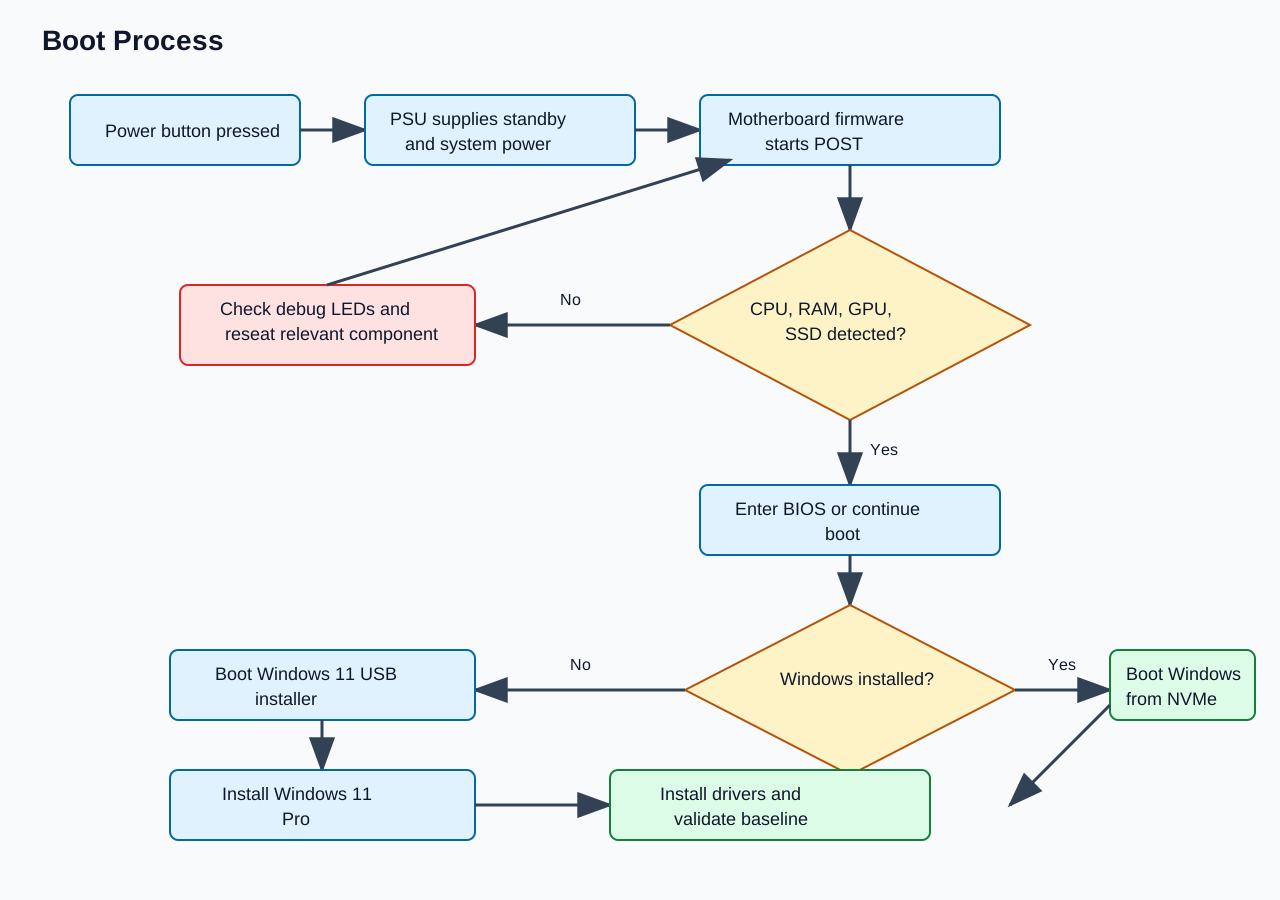
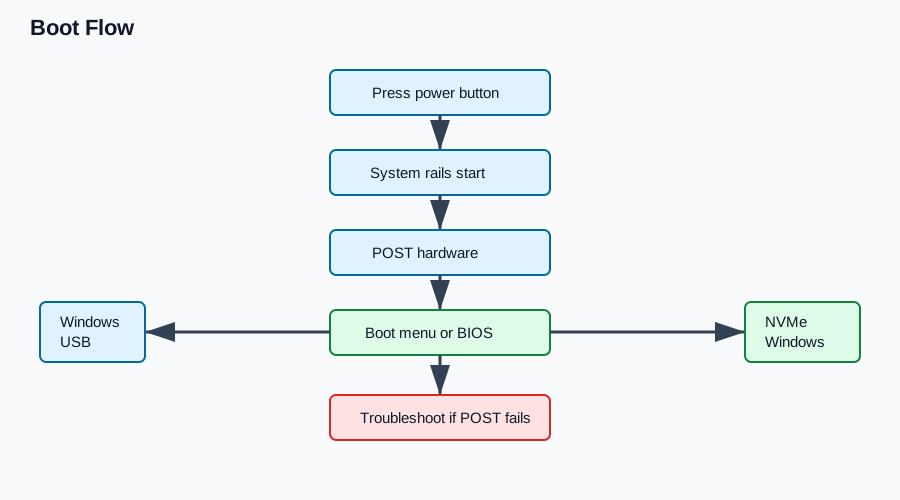
Diagram sources: boot-process.mmd, boot-flow.puml
- Confirm the PSU switch is off.
- Connect the monitor to the graphics card.
- Connect keyboard and mouse.
- Insert the Windows 11 Pro USB installer only after BIOS access is confirmed, unless you intend to boot directly into setup.
- Connect wall power.
- Switch the PSU on.
- Press the case power button.
- Watch for fan spin, pump activity, motherboard LEDs, and display output.
- Wait through DDR5 memory training if the screen stays blank for a short period.
- Enter BIOS using the motherboard setup key when prompted.
- Confirm the CPU is detected as Ryzen 7 7800X3D.
- Confirm both memory modules are detected at default speed.
- Confirm the Samsung 990 PRO is detected.
- Confirm CPU temperature is reasonable in BIOS.
- Shut down if any fan or pump is not detected.
Verification Checklist
Section titled “Verification Checklist”- System powers on from the case button.
- Display output appears from the GPU.
- BIOS is accessible.
- CPU is detected.
- 32GB memory is detected.
- SSD is detected.
- CPU fan or pump monitoring shows activity.
- No abnormal noise, smell, or warning LED remains.
Common Mistakes
Section titled “Common Mistakes”- Connecting the monitor to the motherboard instead of the GPU.
- Interrupting the first memory training too quickly.
- Forgetting CPU EPS power.
- Forgetting GPU PCIe power.
- Assuming EXPO must be enabled before the first successful default boot.
Expected Result
Section titled “Expected Result”The system reaches BIOS at default settings and all core hardware is detected.
Next Chapter
Section titled “Next Chapter”Continue to BIOS Configuration.